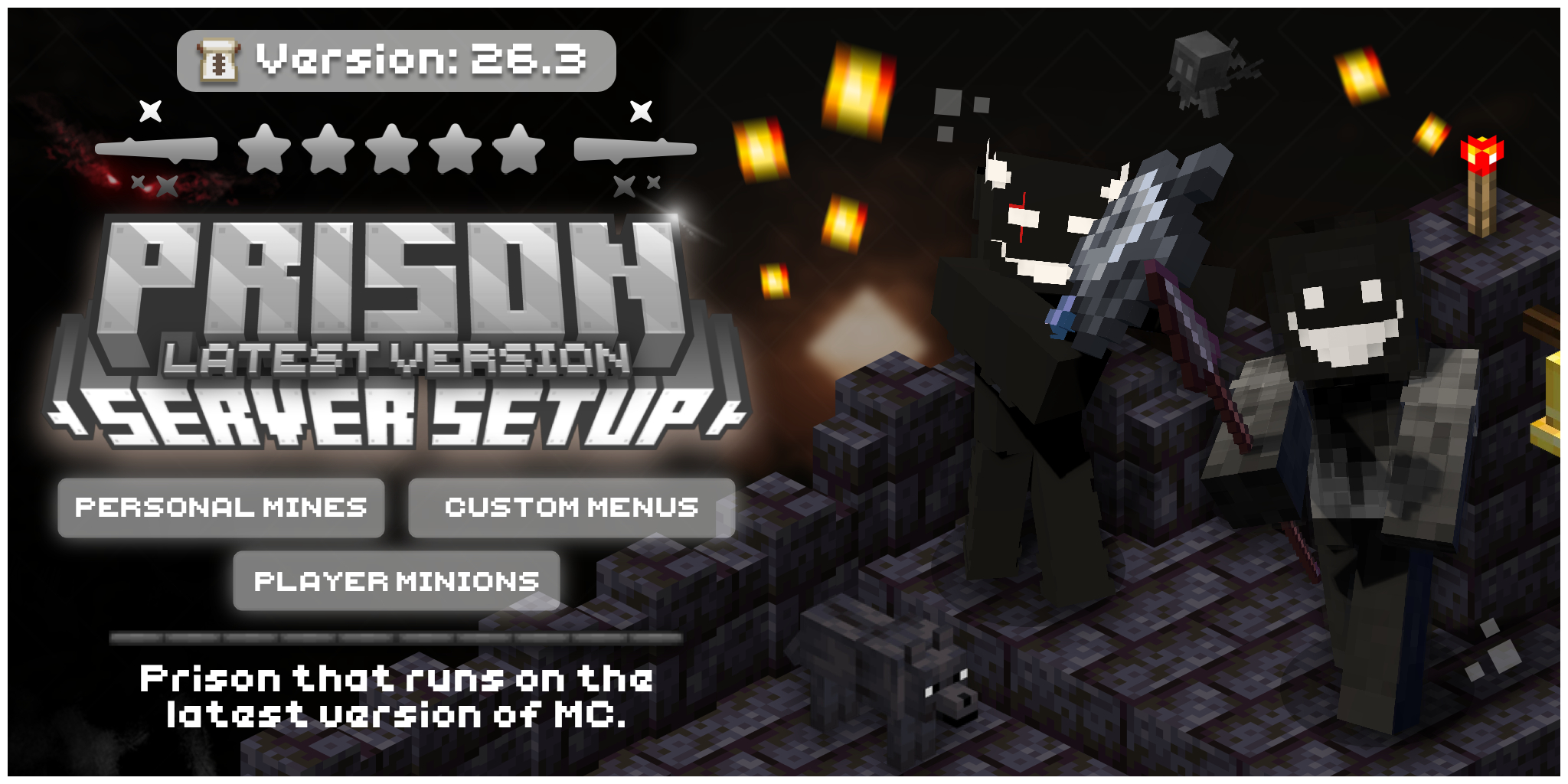
Your server, plugin or website might be great, but nobody will find that out if the first thing they see looks forgettable. Custom Minecraft thumbnails are the fastest way to fix that. They are the first impression, and in a crowded listing the first impression is often the only one you get.
In this guide we explain why custom graphics matter, where they make the biggest difference, and how to tell a thumbnail that works from one that gets scrolled past.
Why first impressions decide everything
Think about how you browse. You scroll a server list, a resource page or a video feed, and you decide in about a second what deserves a click. You do not read the description first. You look at the picture.
Your potential players and customers do exactly the same. Before they read a word of your description, they have already judged your project by its thumbnail and banner. That judgement answers three quick questions:
- Does this look trustworthy?
- Does this look active and cared for?
- Does this look like what I am searching for?
A messy or generic image answers "no" to all three, even if your project is excellent.
What custom Minecraft thumbnails do that templates can't
Templates are tempting because they are quick. The problem is that thousands of other projects use the same ones, so yours blends into the crowd. Custom work solves this in a few ways:
- It is unique to you. Your colours, your logo, your world and your style. People remember it.
- It shows what you actually offer. A custom thumbnail can show your real lobby, your gamemodes or the feature of your plugin, instead of a random stock scene.
- It fits the exact size. A 2:1 image is cropped and composed for the space it appears in, so nothing important is cut off.
- It stays consistent. When your thumbnail, banner and Discord graphics share one style, your project feels like a real brand.
A thumbnail is a promise. Make sure the page behind it keeps that promise.
Where thumbnails and graphics show up
You will use your graphics in more places than you might expect:
- Server listing sites and your own server website
- Resource pages for plugins, setups and configs
- YouTube videos and social media posts
- Discord, in announcements, embeds and your server banner
- Your store or sales page, where a strong image helps a visitor decide to buy
Because the same artwork appears everywhere, a single good thumbnail keeps working for you across all of them.
Four ways good graphics help your project
Trust
A clean, professional image tells visitors that real effort went into the project. People are far more willing to join a server or buy a plugin when it looks like someone cares.
More clicks
A clear thumbnail with a strong focal point stands out in a list. Better standing out means more people open your page, which is the first step to everything else.
A recognisable brand
When people see your colours and style again and again, they start to recognise you before they read your name. That is how small projects grow a loyal community.
More sales and joins
For plugin and setup creators, the thumbnail is part of the product. It is the first thing a buyer sees, so a good one supports your price and your reputation.
What makes a thumbnail work
You do not need to be a designer to judge a thumbnail. Check it against this list:
| Check | What good looks like |
|---|---|
| Focal point | One clear subject, such as a logo, a character or a build |
| Text | Three words or fewer, big and bold |
| Contrast | Text and background are easy to tell apart |
| Colours | Two main colours plus one accent |
| Size | A clean 2:1 layout that is not cropped |
| Phone test | Still readable when it is small |
Try this quick test: shrink the image to the size of a stamp and look at it for one second. If you cannot tell what it is about, simplify it.
Should you make it yourself or hire a designer?
Both are fair choices. If you enjoy design and have the time, making your own graphics is a great way to learn. Start with a clear focal point, keep the text short and test it on your phone.
If your time is better spent building your server, your plugin or your community, hiring a designer saves effort and usually gives a better result, because the designer already knows what works for each placement and size. Whichever you choose, the rule stays the same: the image should look like it belongs to your project and nobody else's.
You can also support your graphics with free tools. Our MOTD maker helps your server list entry look sharp, and the gradient text generator makes coloured names and titles easy.
Getting started
Ready to give your project a first impression it deserves? You have a few easy options:
- Browse our ready-made products if you want something you can use today
- Order a custom 2:1 thumbnail designed for your server, plugin or website
- Read more on the blog for design and growth tips
Good graphics are not decoration. They are how your project introduces itself, so make that introduction count.